
Get Your Digital Download
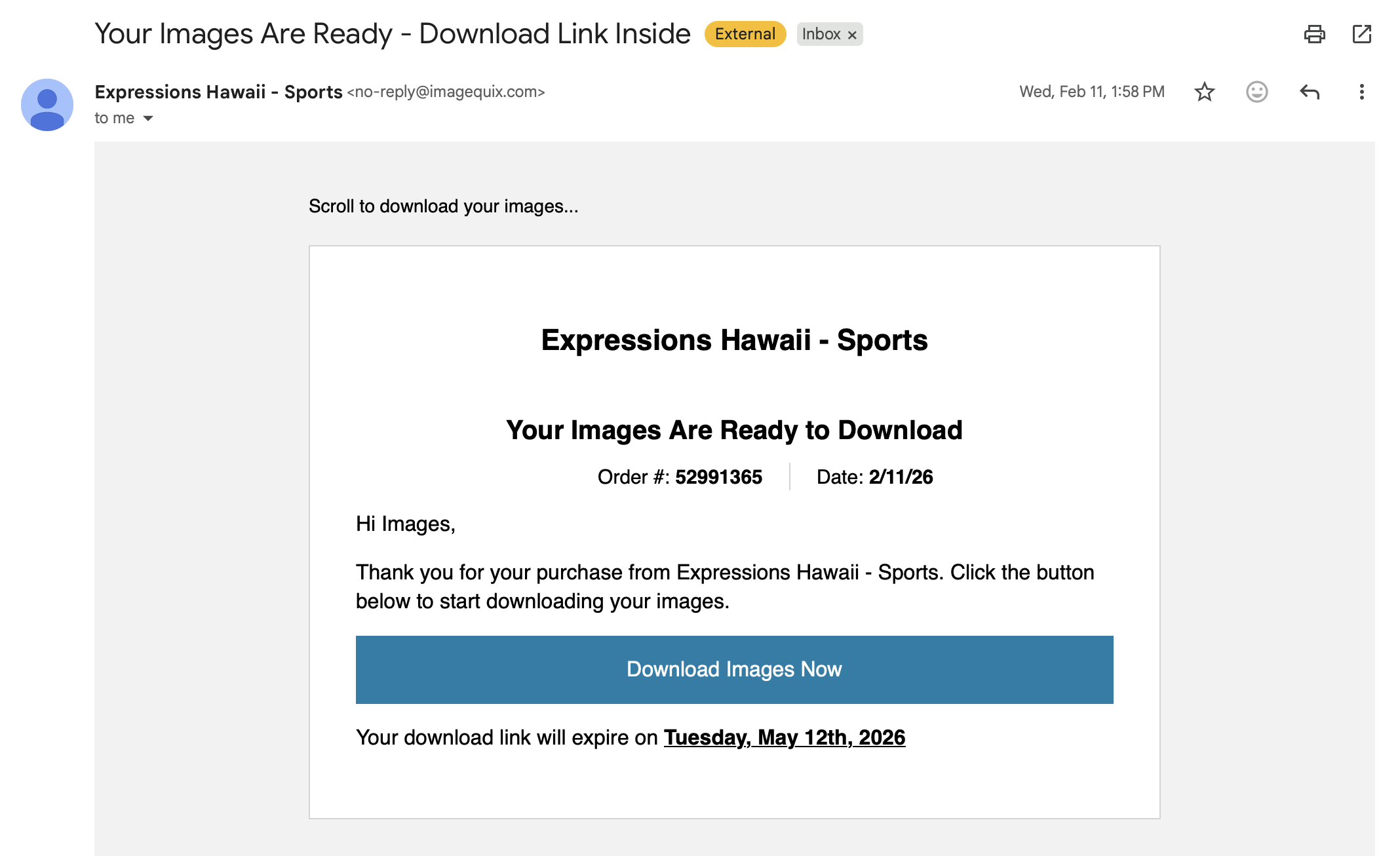
Your images will come via an email. The email will be called:
Expressions: Your Images are Ready- Download Link Inside
Once inside the email, scroll down until you see a blue button.
Click on the blue button: Download Images Now
Mobile
The download will save to “Files” app
Go to the Files app
Navigate to downloads
File will be named with your order number followed by .zip (ex. 12345678.zip)
Click on the Zip file and it’ll make a new folder with the same numbers
Open the folder and you’ll see your photos
Click on save image to save to your camera roll
Desktop
After clicking the Download Images Now button in the email, your browser will download the compressed .ZIP folder.
Windows computers: find the Zip file and click open, this will unzip the file and allow you to access the images
Mac: Once download is complete your computer will automatically create the folder with your images
You will have 2 folders, 1 with images and the other with your copyright release.
Images are reported too small/poor quality
Some people can believe file size and image size to mean the same thing - even when they have no direct correlation with each other.
We compress uploaded images to keep the overall file sizes tiny for many benefits, but the key thing to remember is that Image File Size does not correlate to Image Dimension Size
The digital files we send still maintain their source image pixel dimensions (unless explicitly ordered otherwise).
Downloading Images on Computer
Didn’t Get Your Email?
If you did not receive your email link fill out the form and we’ll resend you your link